

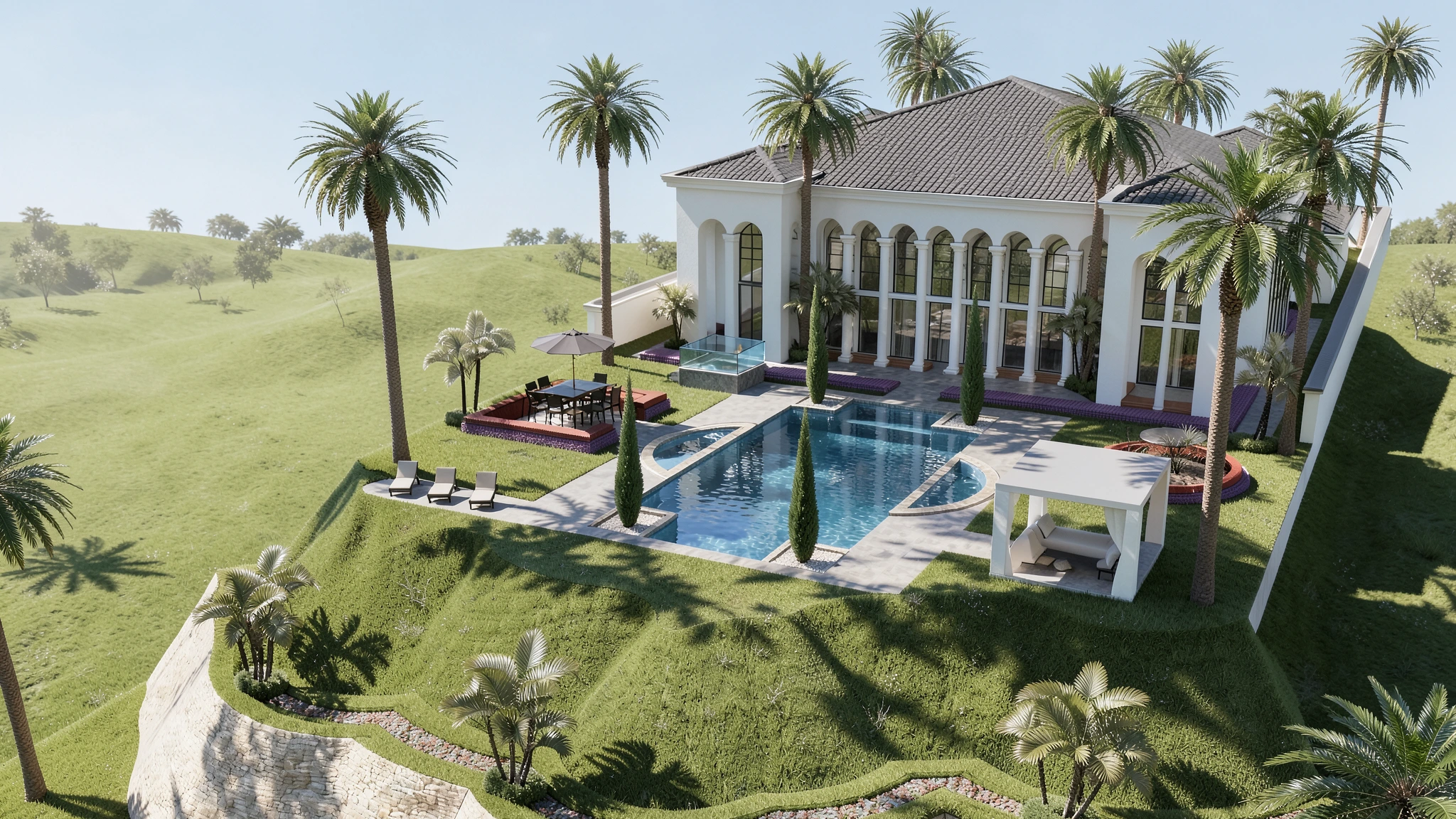
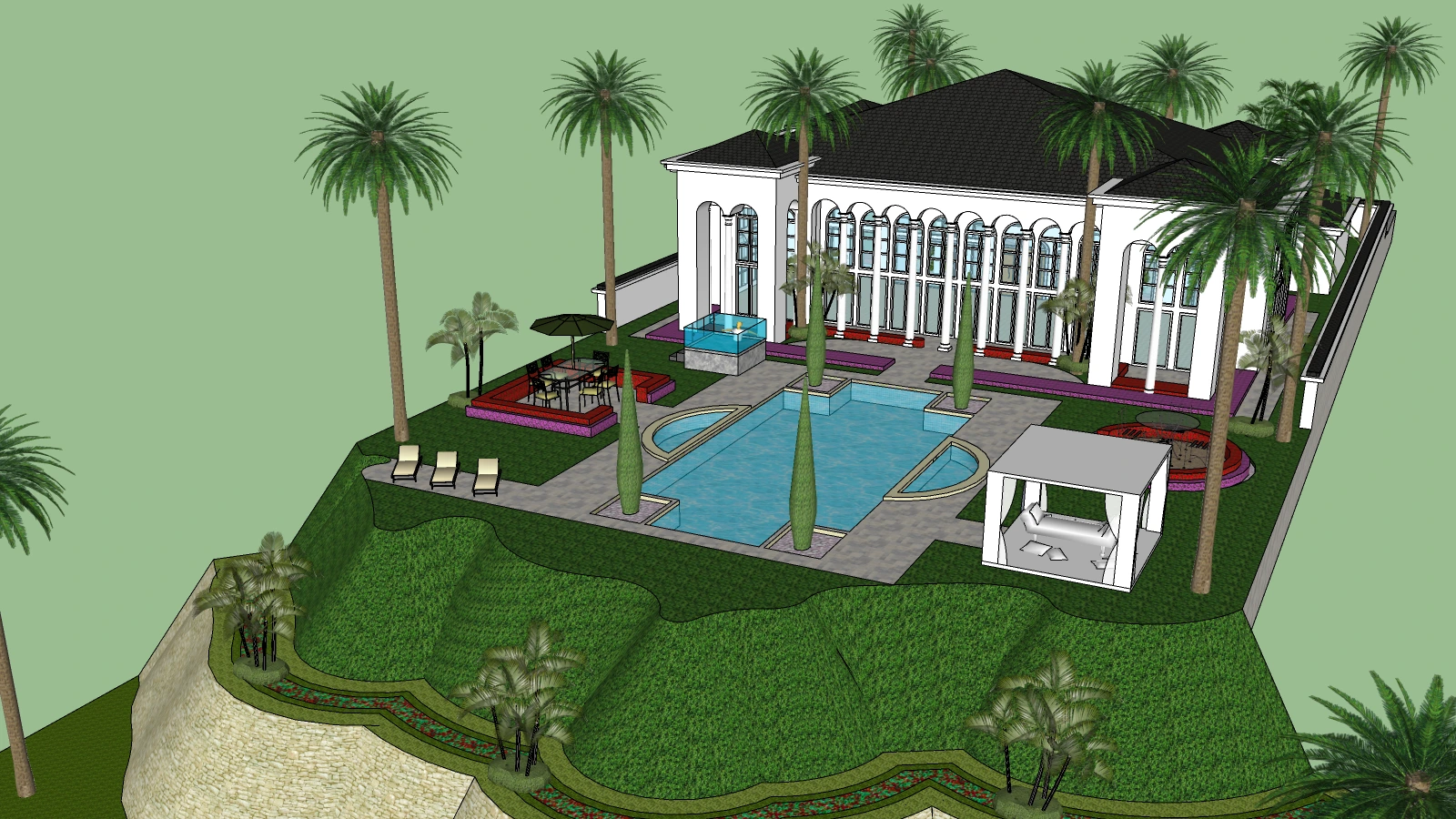
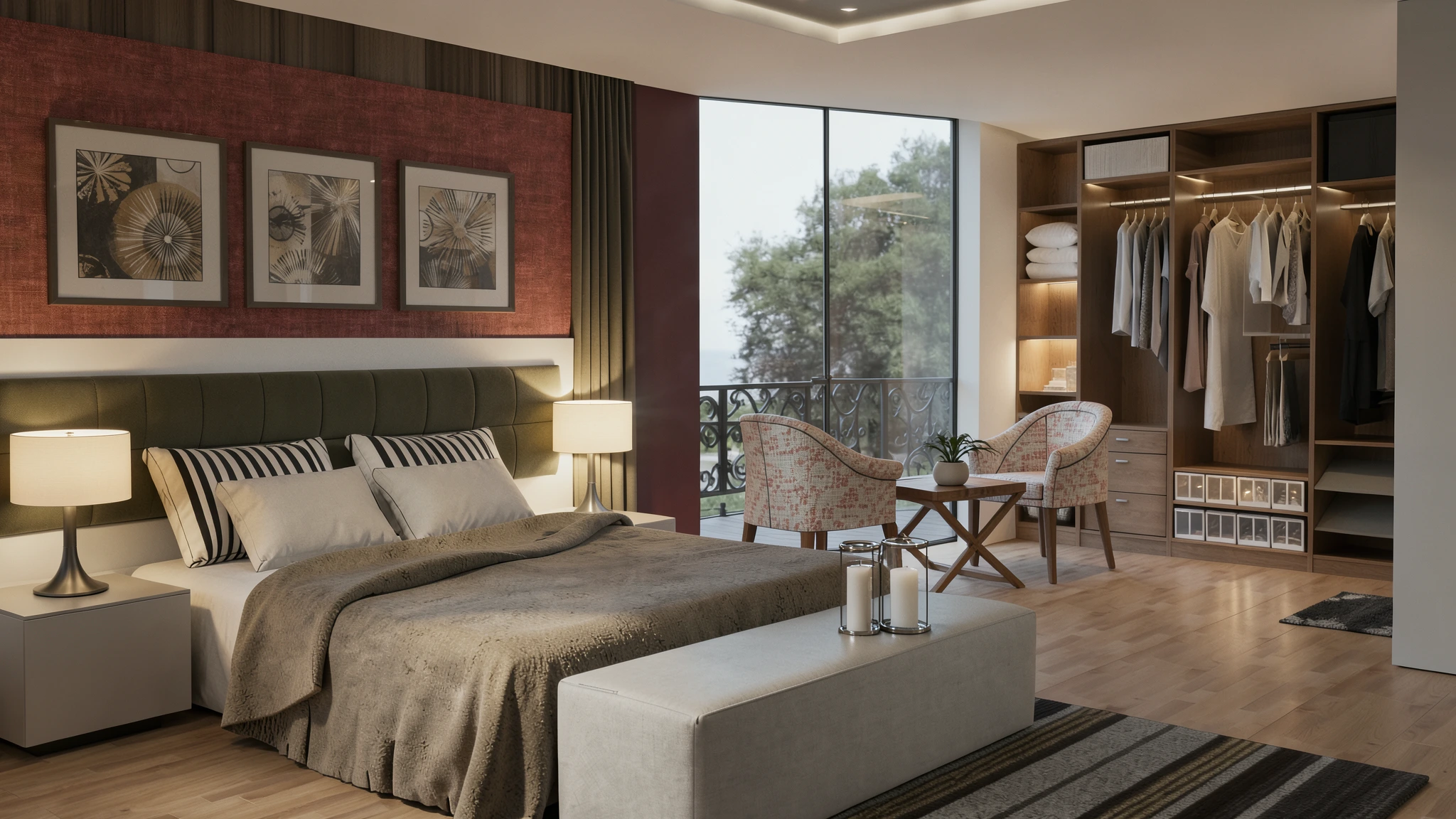
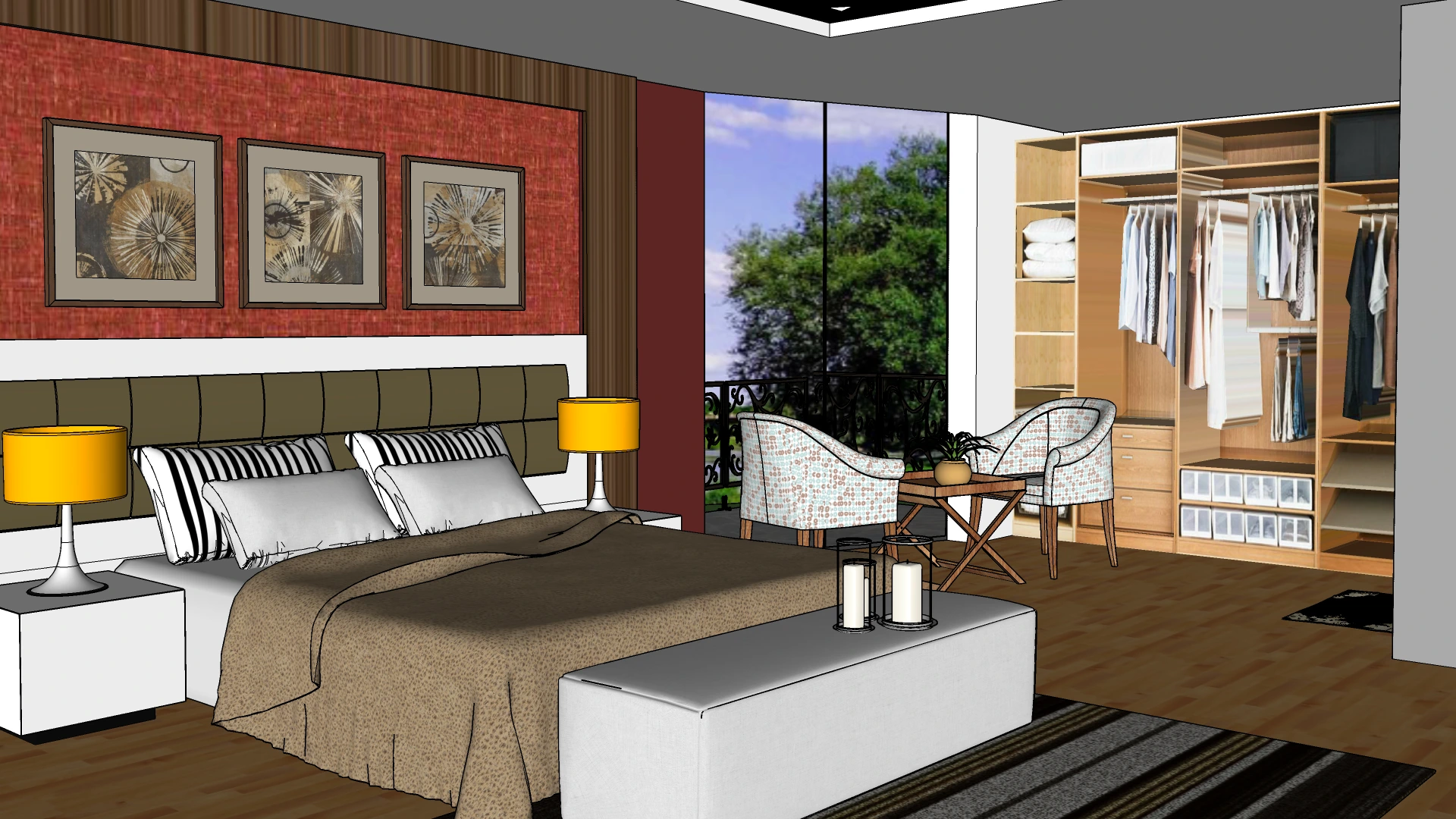
From Sketch to Final Render.
In under 10 seconds.
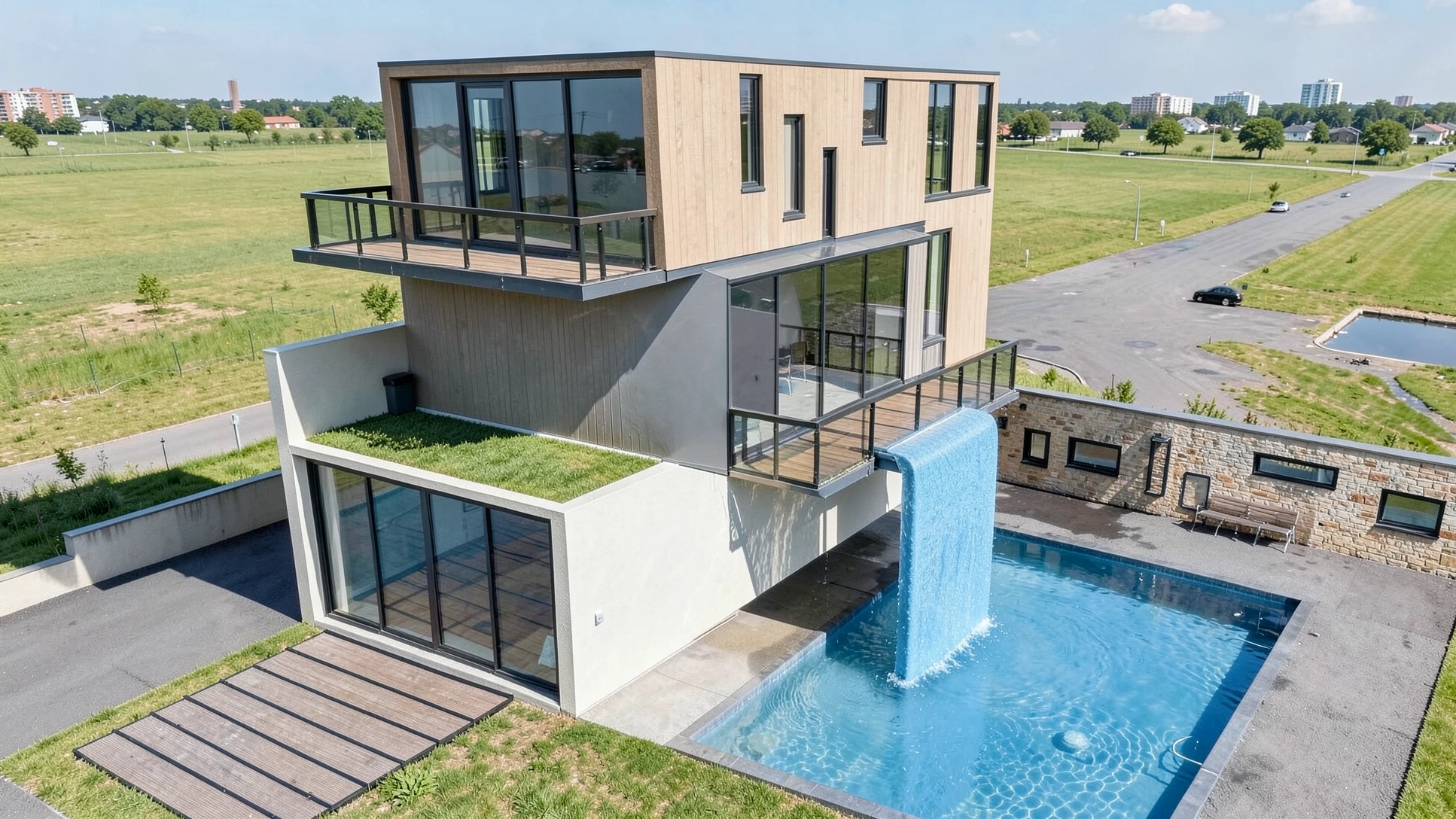
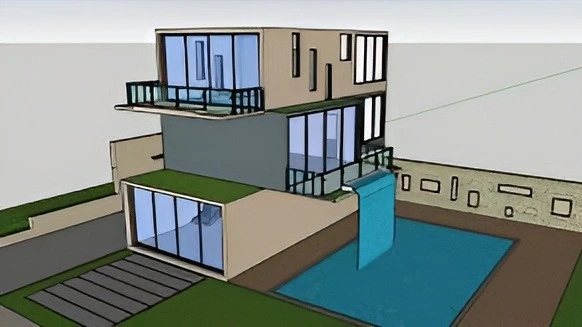
RenderMage is the all-in-one browser-based AI visualization studio for architects, interior designers, and students.
"44% of architects now use AI for concept images. The question isn't whether to use AI rendering — it's whether to use a tool that fits the way you actually work."
— Chaos State of ArchViz Report, 2025
See The Difference
Full Feature Set
Every tool you need.
One tab in your browser.
RenderMage replaces a fragmented stack of render engines, post-production tools, and AI experiments with one unified web platform.

RM_Sync Plugins
Free RM_Sync connectors for major 3D modeling tools send your active viewport to RenderMage in one click. No exporting, no file juggling — your scene is instantly ready to render.
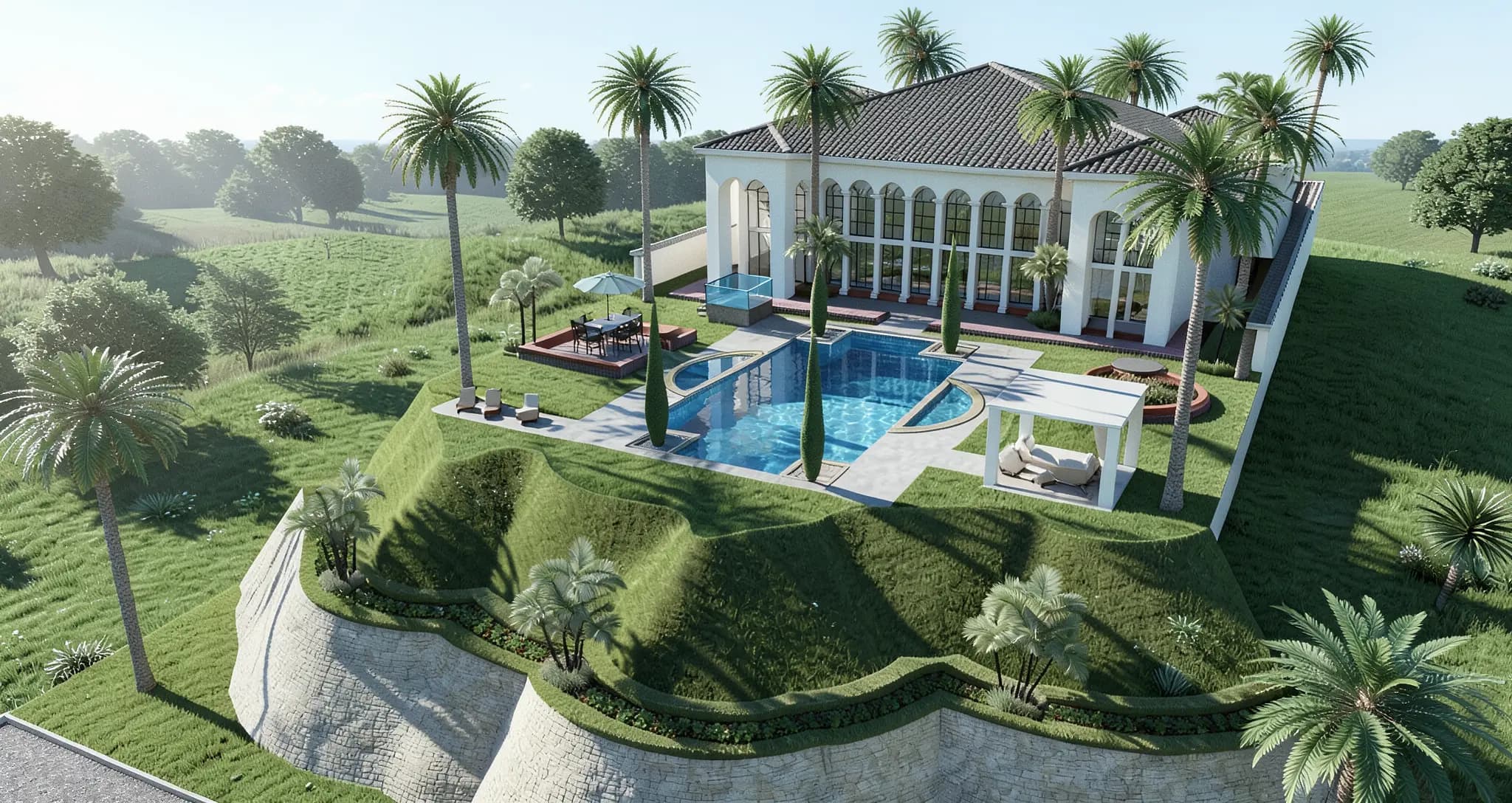
AI Rendering Engine
Generate high-quality 2K architectural renders in seconds from any input — viewport captures, floor plans, hand sketches, or reference photos.
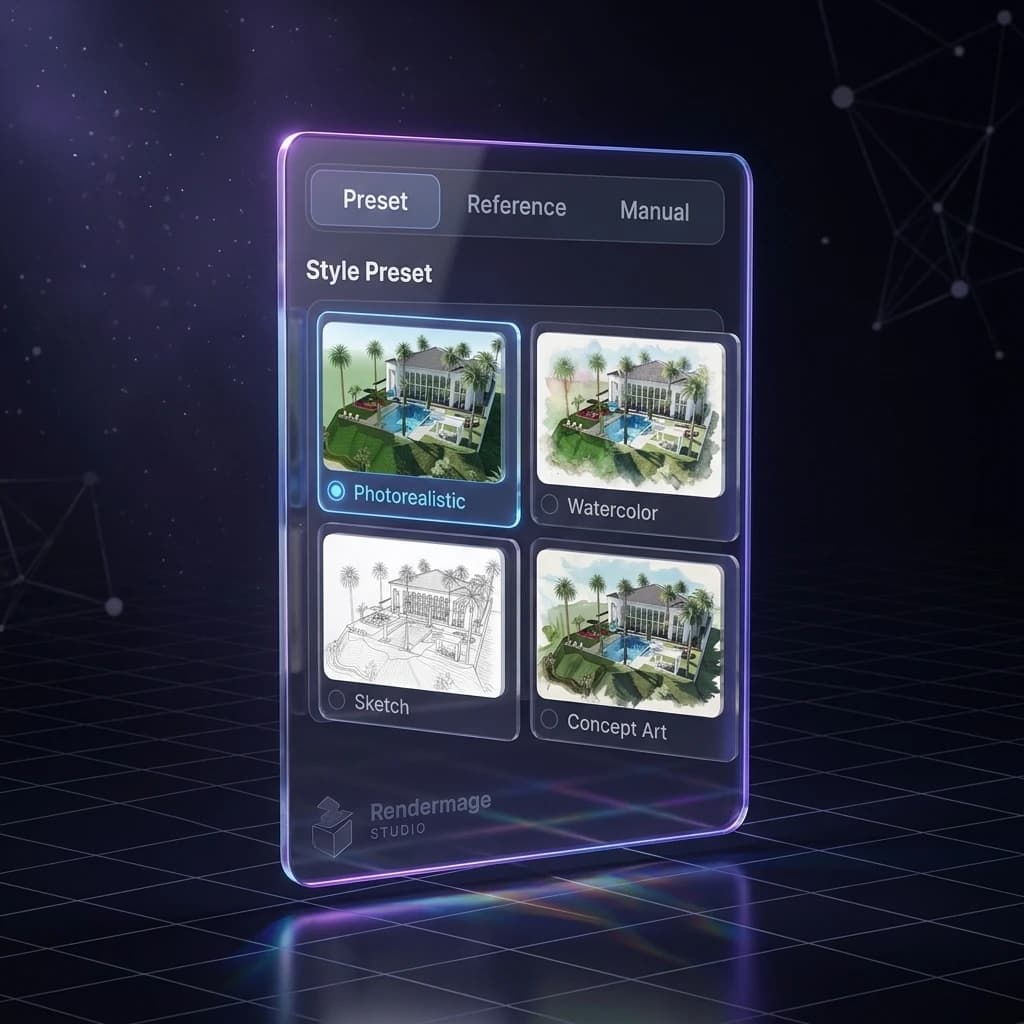
Style & Preset Library
built-in styles from photorealistic to watercolor, sketch, Anime, and Different Lighting, Environments. Or go further with custom prompts and reference images.

Natural Language Refinement
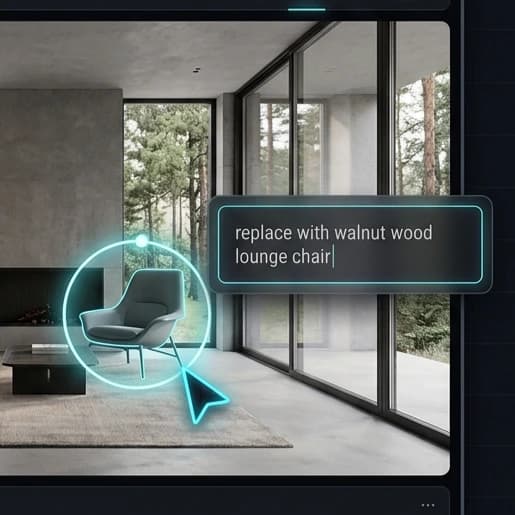
Describe what you want to change — materials, lighting, mood, objects — and AI updates the visual without rebuilding from scratch. Inpainting lets you edit specific areas.
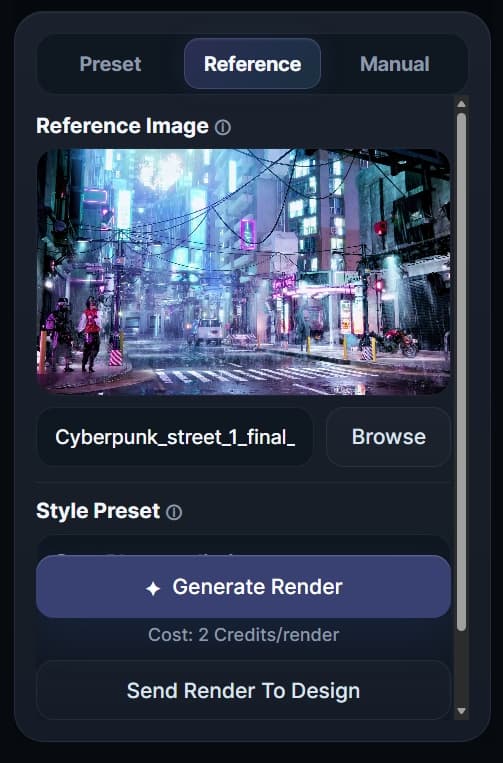
Generate from Reference
Upload an inspiration image — a wood tone, concrete finish, fabric texture — and guide the material language of your render directly from that reference.
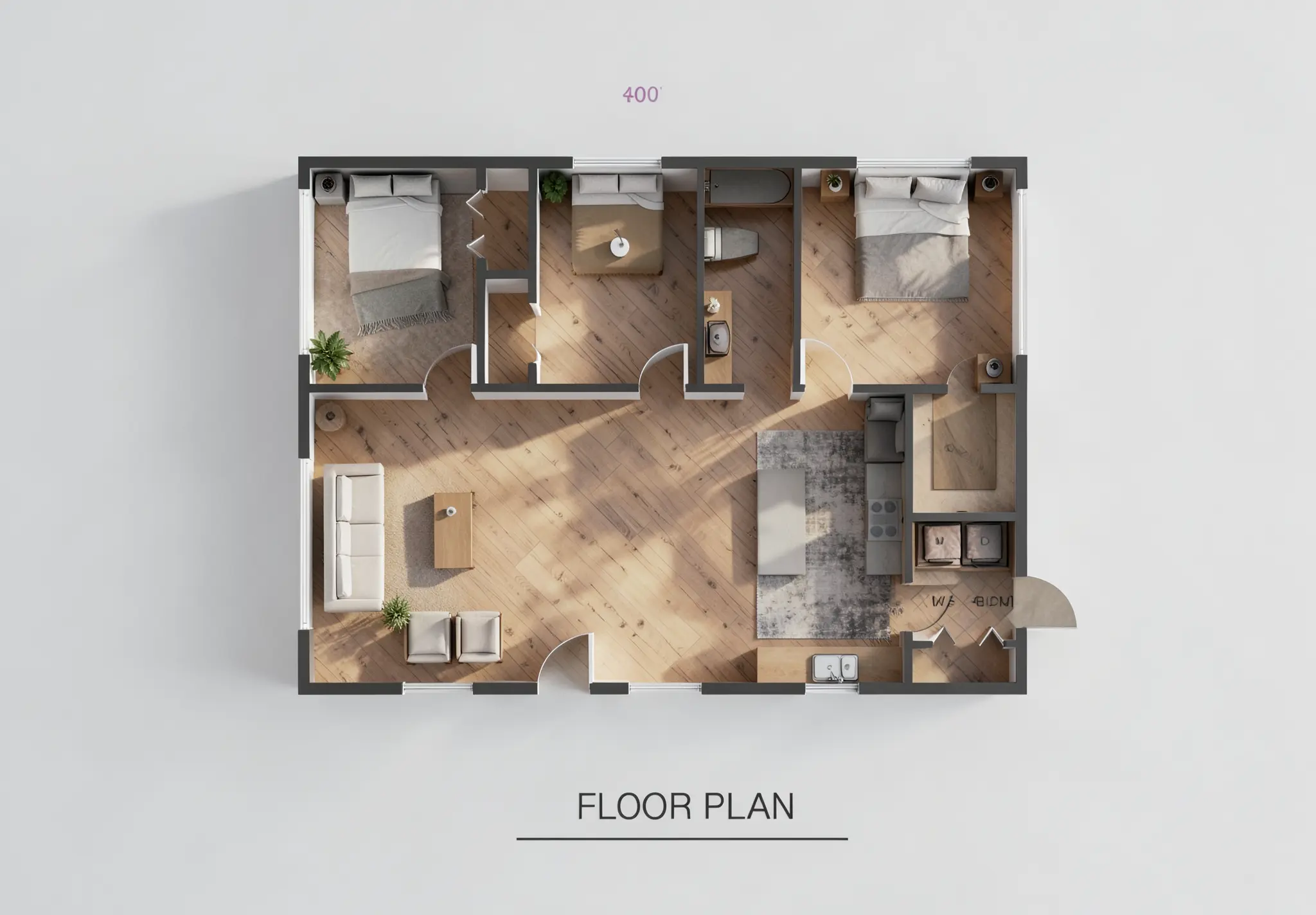
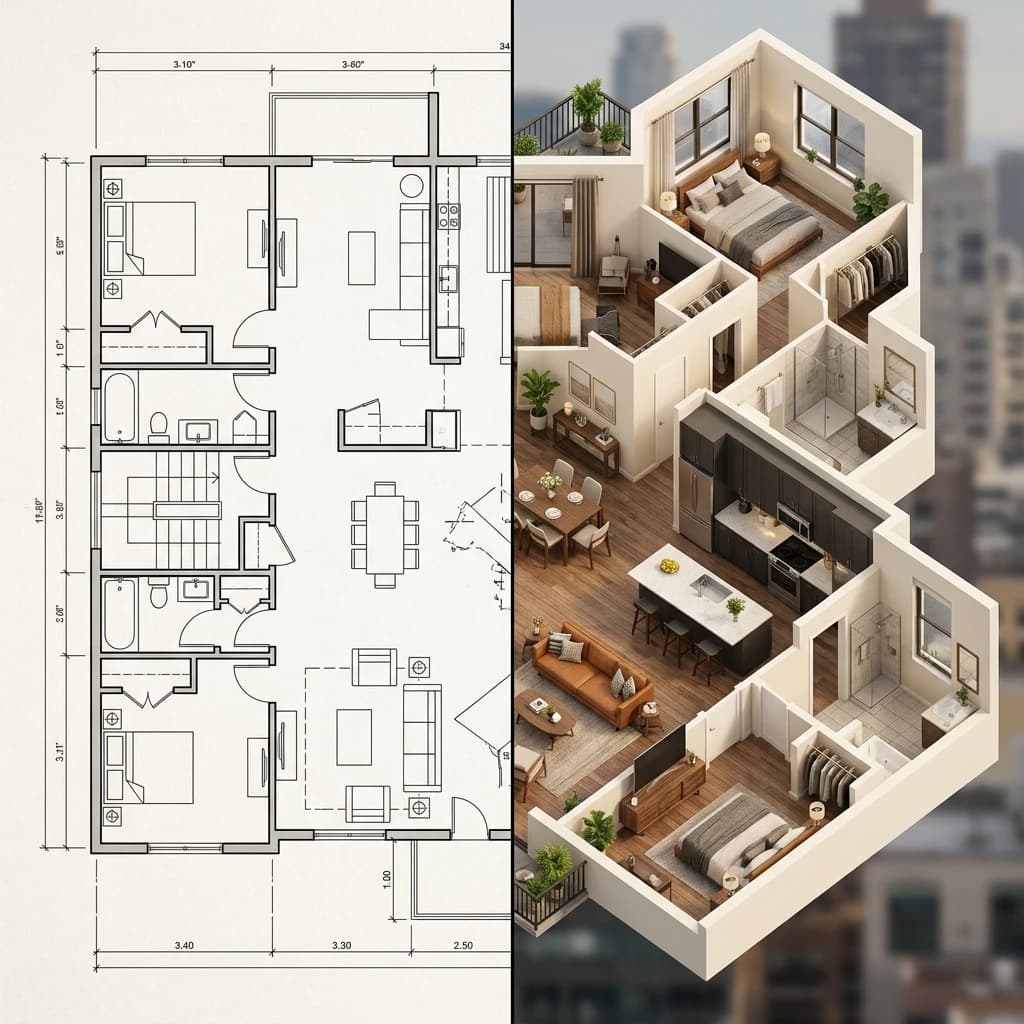
Floor Plan → 3D
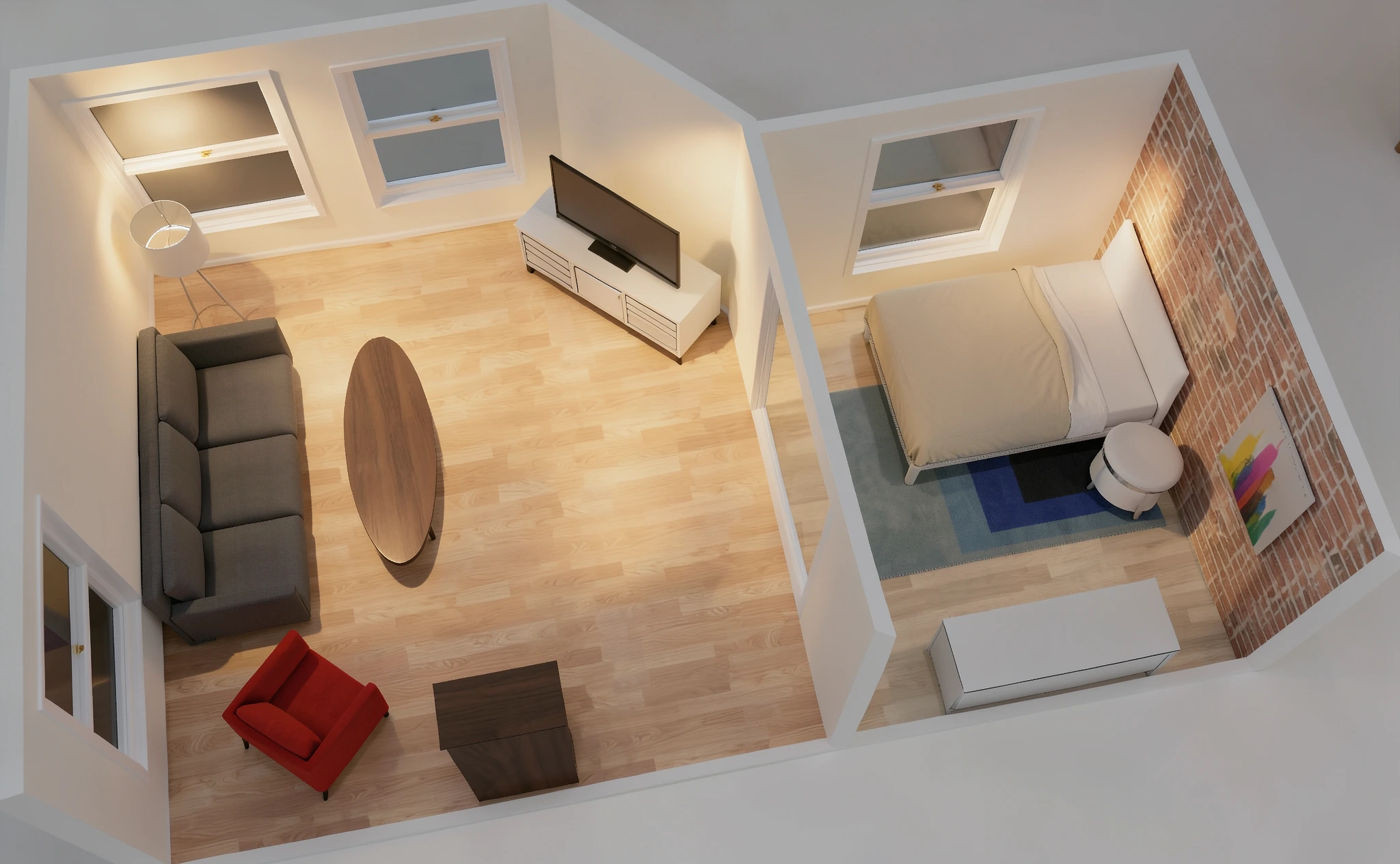
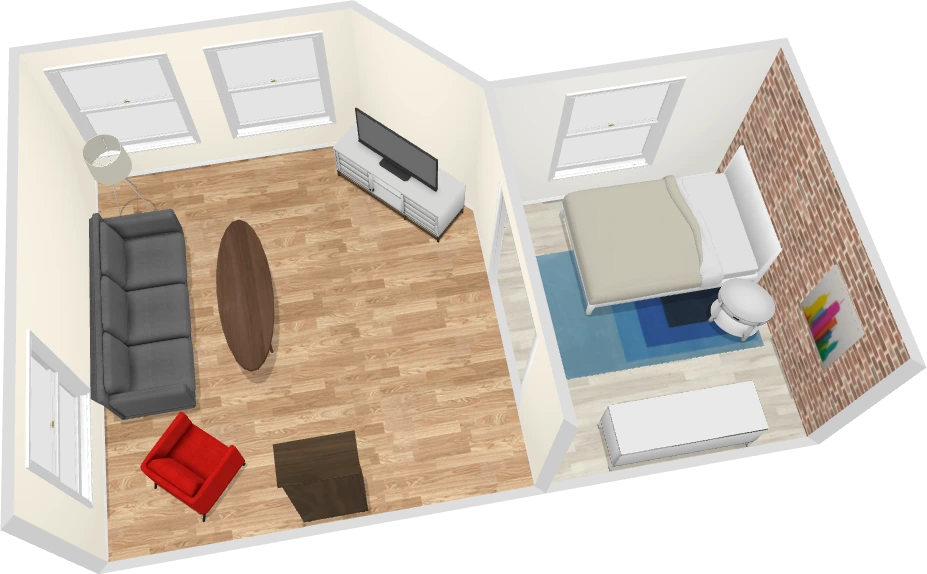
Upload a floor plan image. RenderMage auto-generates the 3D wall layout. Drop in furniture, apply materials, and render the space — all in the browser.
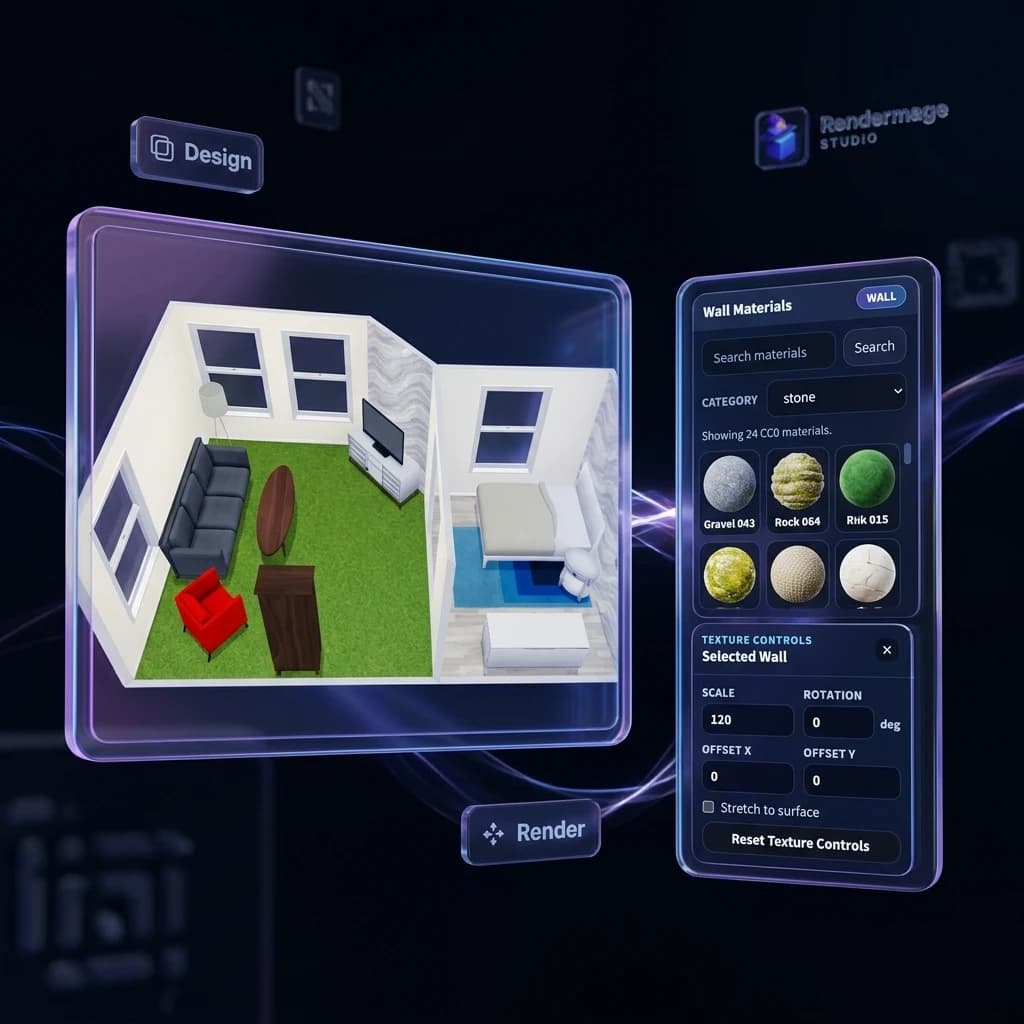
Interior 3D Designer
Place furniture, test materials, adjust atmospheres, and generate interior concept visuals — a web-based room design workflow without a desktop 3D app.

Design & Annotation Tools
Sketch, annotate, recolor surfaces, and mask areas directly in the browser. Prepare inputs, mark up outputs, and keep every design decision in one place.
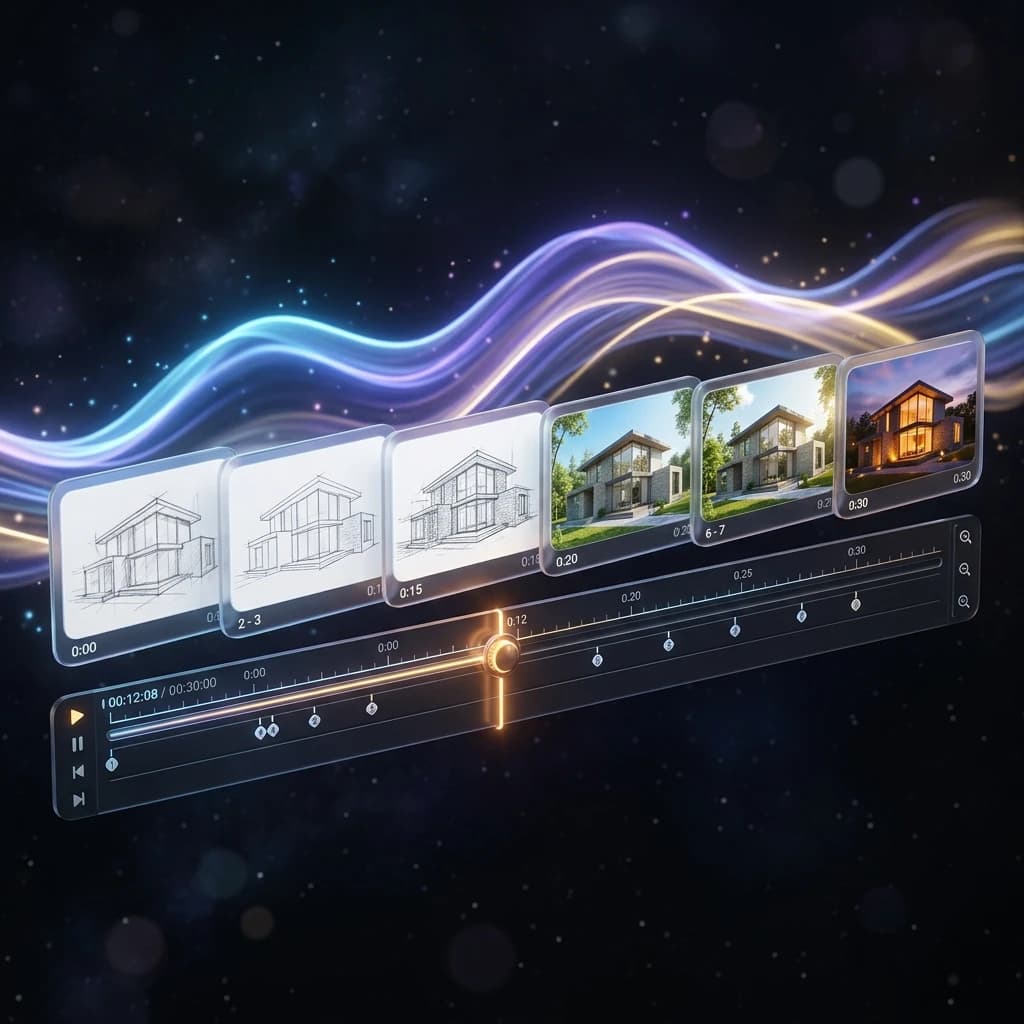
Generate Videos upto 4K
Seamlessly transform your render to high-quality animations. Native 720p and 1080p Archviz Videos, cheapest in the market. Use our Free Upscaler to Enhance upto High Quality 4K.
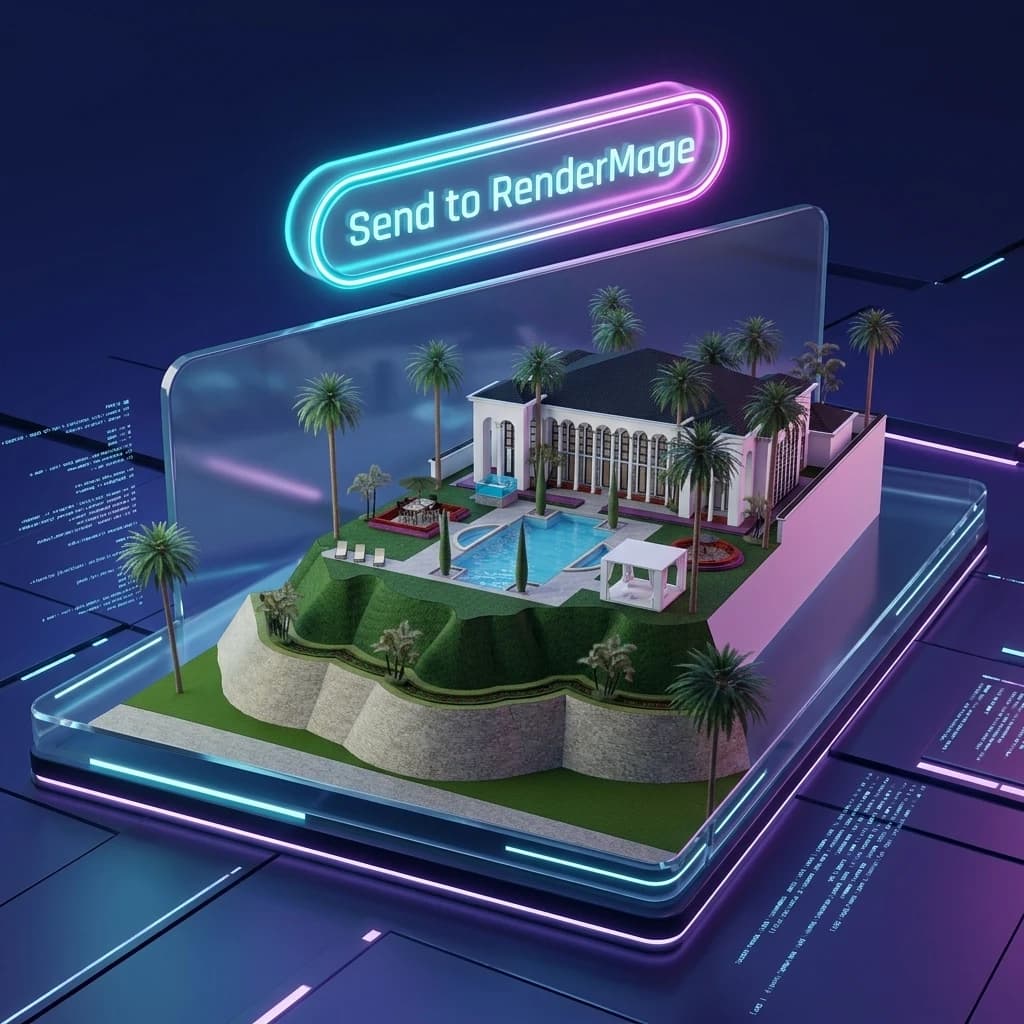
RM_Sync Plugins — Free
Your modeling tool,
now AI-powered.
One-click RM_Sync is available for SketchUp, Blender, and Archicad, sending your active view directly to RenderMage Studio in seconds. Using another tool? You can also bring viewport screenshots from any 3D software and upload them manually to render. More plugins and integrations are coming soon.
- One-click capture from SketchUp, Blender, and Archicad
- Manual upload support for viewport screenshots from any 3D app
- Plugins are completely free, always
- Works with your existing modeling workflow
- More integrations coming soon — Rhino, Revit roadmap
AI Refinement
Describe the change.
AI does the rest.
Stop scrapping renders and starting over. With natural language refinement and inpainting, you iterate from what you already have. Change materials, objects, lighting, mood, or specific regions — in plain English.
- Edit via text — no prompt engineering required
- Swap materials, colors, furniture, and vegetation in the Design Space
- Shift lighting, season, time of day
- Remove / Insert Objects/Furniture, People, Vehicles seamlessly
Interior3D Tab — Free
Free Online Interior3D Module
with Floor Plan Importer
RenderMage isn't just a rendering workflow — it's a full studio. In our studio's Interior3D tab, you can import floor plans from any image format. Our intelligent system converts that to editable geometry and builds up the walls and rooms for you to further design and render.
- Convert 2D floor plans to 3D models automatically
- Supports JPG, PNG, PDF, and handdrawn sketches
- Fully integrated with our furniture and materials catalog
- No installation required, completely browser-based
- Export to standard 3D formats or render directly
Built For
Professional results for every scale of practice.
Architects
From concept to client, faster
Explore design directions while ideas are still flexible. Generate client-friendly visuals mid-meeting. Reduce the gap between model and presentation.
Interior Designers
Test materials from real references
Upload an inspiration image and render a room with that exact material language — no manual shader setup, no sample boards, no waiting. Use the Free Interior3d Workflow to drag and drop.
Students
Portfolio-grade visuals without the overhead
No expensive GPU. No V-Ray license. No render farm. Get polished 2K visualizations from your existing models, free to start.
Small Studios
More output, fewer resources
Speed up early-stage visualization, generate more client options per project, and keep the heavy render pipeline for final delivery only.
How We Compare
The honest comparison.
The market splits into two camps: expensive BIM plugins for enterprise, and general AI tools that don't understand architecture. RenderMage is the third option — purpose-built ArchViz, free to start, no install required.
| Feature | RenderMage | Veras Chaos | D5 Render | Enscape | Lumion | Twinmotion | Midjourney | Vizcom | PromeAI |
|---|---|---|---|---|---|---|---|---|---|
| Type & access | |||||||||
| Tool type | AI studio | AI plugin | Real-time | Real-time | Real-time | Real-time | AI image | AI design | AI cloud |
| Free tier | Free studio5 free AI credits | NoFree trial only | YesCommunity plan | NoTrial only | PartialFree start and student paths | YesFree under $1M revenue | NoSubscription only | YesStarter plan | YesFree start |
| Entry pricing | $5 one-timeor $10/mo | ~$29/moannual plan | ~$30/moPro plan | EUR44.90/moannual plan | EUR17/moView plan | $445/yrseat plan | $10/moBasic plan | $49/moProfessional | Monthly planscoins-based |
| GPU required | NoneCloud render | NoneCloud AI inside plugins | YesWindows GPU | YesDedicated GPU | YesDedicated GPU | YesDedicated GPU | NoneWeb or Discord | NoneWeb or desktop app | NoneCloud AI |
| Browser-based | YesFull studio in-browser | PartialWeb app plus plugins | NoDesktop app | NoPlugin workflow | NoDesktop and plugin tools | NoDesktop app | YesWeb and Discord | YesWeb app | YesCloud app |
| Integrations | |||||||||
| Modeling tool link | RM_SyncSketchUp, Blender, Archicad | Deep pluginRevit, SketchUp, Rhino, Archicad | Many connectorsRevit, SketchUp, Rhino and more | BIM pluginsRevit, SketchUp, Rhino and more | LiveSyncMajor CAD apps | Direct LinkRevit, SketchUp, Archicad and more | None | Import only3D and image workflows | Manual uploadImages and model views |
| Live-sync workflow | YesRM_Sync capture | YesInside design tools | YesReal-time sync | YesLive updates | YesLiveSync | YesDirect Link | No | No | No |
| AI features | |||||||||
| AI rendering core | Core workflow | Core workflow | Built-in AI toolsAlongside real-time render | Included AIVeras in paid plans | Selective AINot the main workflow | Not coreReal-time first | Core workflow | Core workflow | Core workflow |
| Natural language refinement | YesChat plus inpainting | Prompt-led | LimitedAI enhancer and inpaint | LimitedVia Veras workflows | LimitedFocused AI tools | No | Prompt-led | YesPrompt-based edit | YesPrompt-based edit |
| Reference-guided rendering | YesReference image guided | YesTyped reference images | SomeWorkflow-dependent | SomeAvailable through Veras | PartialMaterial reference support | No | PartialImage prompts | YesVisual reference workflows | Yes |
| Workflow tools | |||||||||
| Floor plan to 3D | Built-in | No | No | No | No | No | No | No | No |
| Interior 3D designer | Built-in | No | No | No | No | No | No | No | No |
| Video output | Built-inAI video workflow | YesAI animations | YesAnimation and walkthroughs | YesWalkthrough video | YesAnimation tools | YesAnimation tools | YesVideo on paid plans | YesAnimations | YesImage-to-video |
| VR or panorama | Not today | No | YesVR walkthroughs | YesVR reviews | YesPanoramas and sharing | YesImmersive sharing | No | No | No |
| Best suited for | |||||||||
| Best fit | Full ArchViz studioEarly-to-final browser workflow | Design-faithful AIBIM and CAD users | Real-time realismWindows visualization teams | Daily BIM iterationFast walkthrough reviews | Presentation polishAtmosphere, video, assets | Immersive storytellingRealtime and panorama workflows | Concept moodboardsInspiration over accuracy | Industrial designSketch-to-render product workflows | Quick sketch rendersFast web AI exploration |
Competitor pricing and features based on publicly available information, June 2026. Always verify on vendor websites.
One Connected Workflow
From raw model to polished visual
01
Capture from your modeling tool
Use RM_Sync to send your active viewport from SketchUp, Blender, or Archicad straight into RenderMage Studio.
02
Generate and guide the scene
Render from viewport captures, hand sketches, floor plans, or inspiration images with built-in styles and presets.
03
Refine, annotate, and present
Describe changes in plain English, edit specific regions, test materials, and keep every visual decision in one browser workspace.
Simple Pricing
Free to design. Credits only when you render.
The Studio — workspace, plugins, design tools, floor plan editor, interior designer — is free forever. Start with 5 free AI Credits, then top up with a $5 one-time 50-credits pack or move to a monthly plan when you need more volume.
Studio
Free foreverGet started instantly. Permanent access to standard workflows.
Free
No credit card required
Booster Pack
$5
Add a quick burst of credits. Top up whenever you need them.
50 AI Credits (one-time)
Full access to Studio workspace & RM_Sync plugins
Floor plan to 3D & DXF CAD export
Interior3D designer & annotation tools
Native 720p & 1080p AI video generations
Free 4K video upscaler
Starter
$10/mo
Ideal for steady monthly exploration and personal concept rendering.
150 monthly AI Credits
Full access to Studio workspace & RM_Sync plugins
Floor plan to 3D & DXF CAD export
Interior3D designer & annotation tools
Native 720p & 1080p AI video generations
Free 4K video upscaler
Pro
$20/mo
Best for active professionals and designers iterating daily.
400 monthly AI Credits
Full access to Studio workspace & RM_Sync plugins
Floor plan to 3D & DXF CAD export
Interior3D designer & annotation tools
Native 720p & 1080p AI video generations
Free 4K video upscaler
Plus
$50/mo
High volume for client teams, parallel projects, and rapid delivery.
1200 monthly AI Credits
Full access to Studio workspace & RM_Sync plugins
Floor plan to 3D & DXF CAD export
Interior3D designer & annotation tools
Native 720p & 1080p AI video generations
Free 4K video upscaler
Your next render is
ten seconds away.
Free to start. No GPU. No install. Connect your modeling tool, generate your first AI-assisted render, and see what your design actually looks like — today.