
Features
A web-first rendering workflow that stays focused on speed, clarity, and iteration.
RenderMage is designed around a simple promise: capture the view you already have, steer the outcome with clear intent, and keep refining without hopping between disconnected tools.
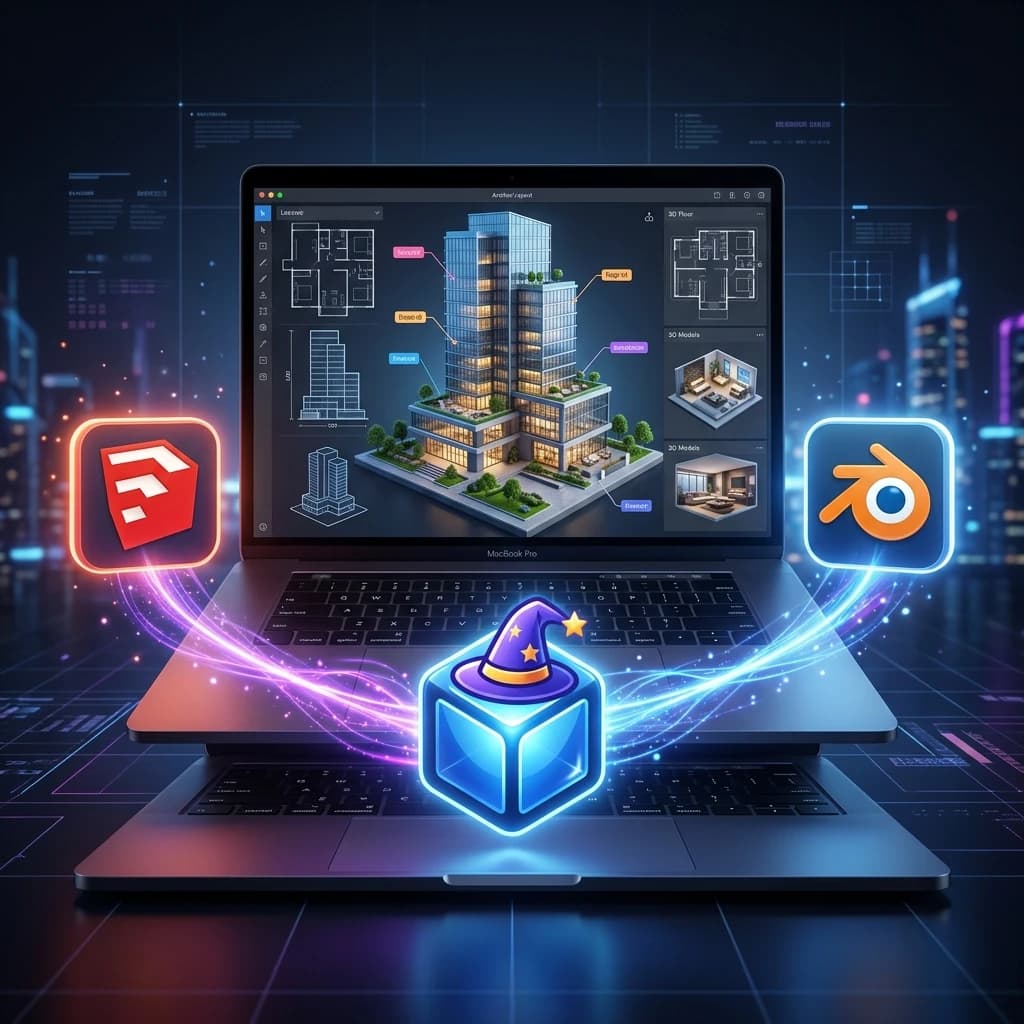
RM_Sync Plugins
Free RM_Sync connectors for major 3D modeling tools send your active viewport to RenderMage in one click. No exporting, no file juggling — your scene is instantly ready to render.
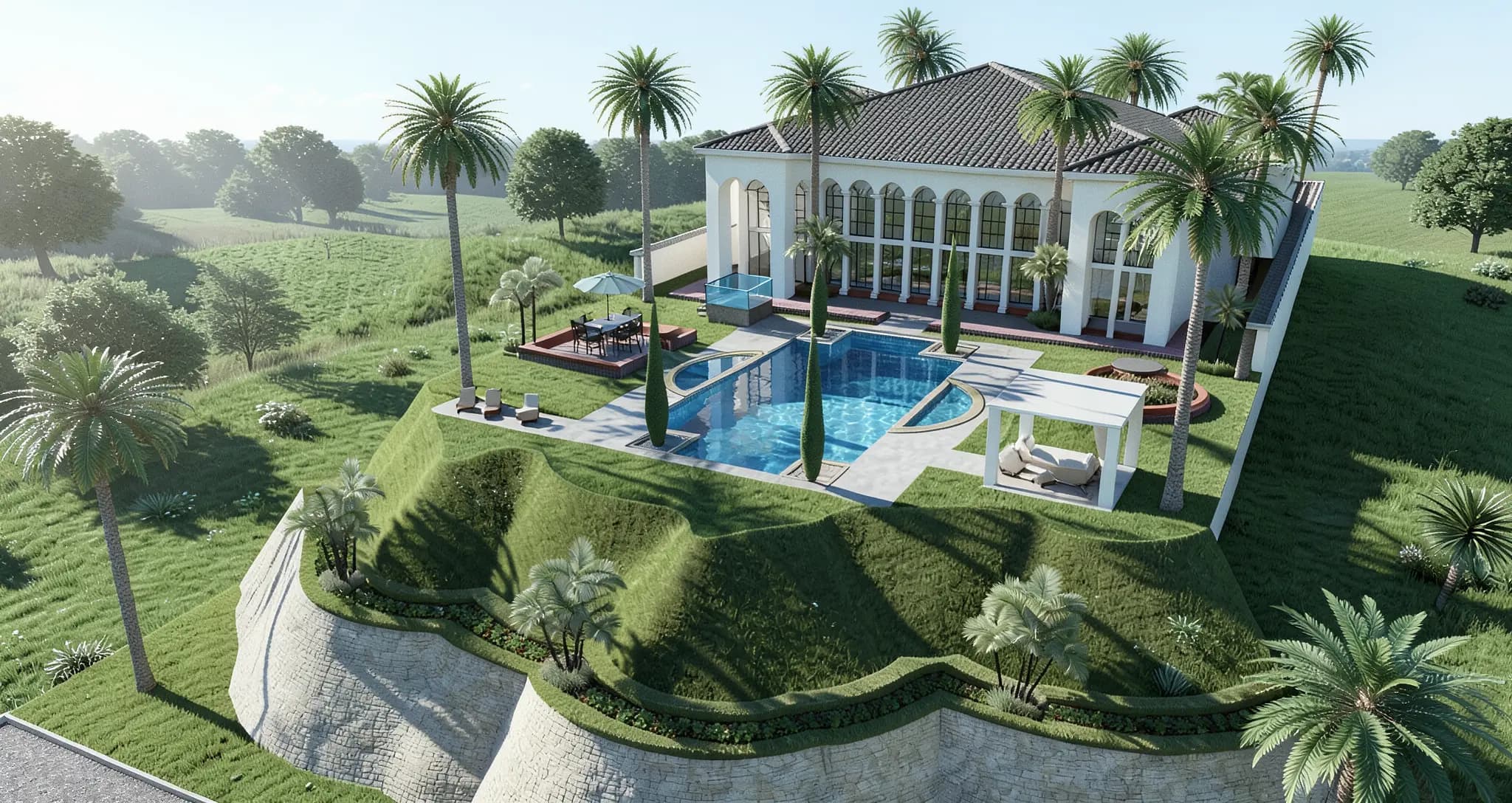
AI Rendering Engine
Generate high-quality 2K architectural renders in seconds from any input — viewport captures, floor plans, hand sketches, or reference photos.
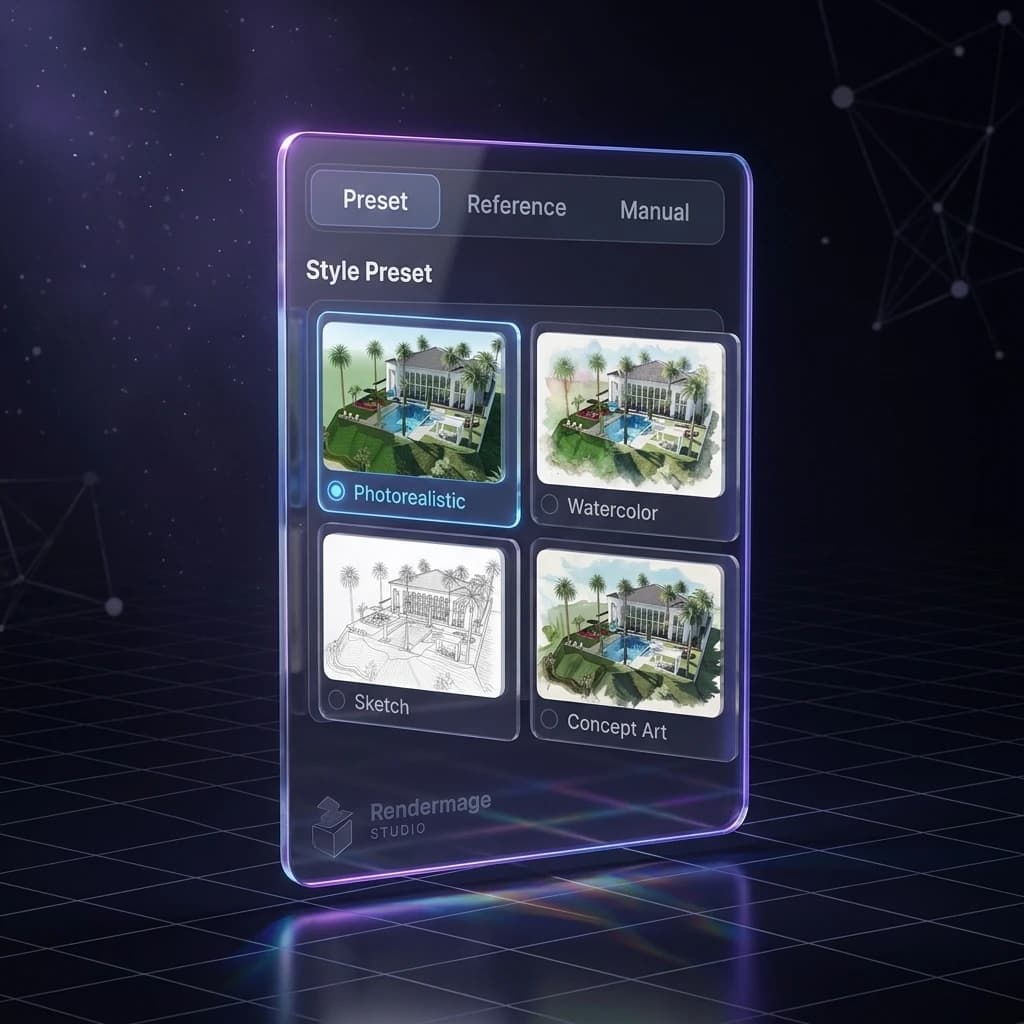
Style & Preset Library
built-in styles from photorealistic to watercolor, sketch, Anime, and Different Lighting, Environments. Or go further with custom prompts and reference images.
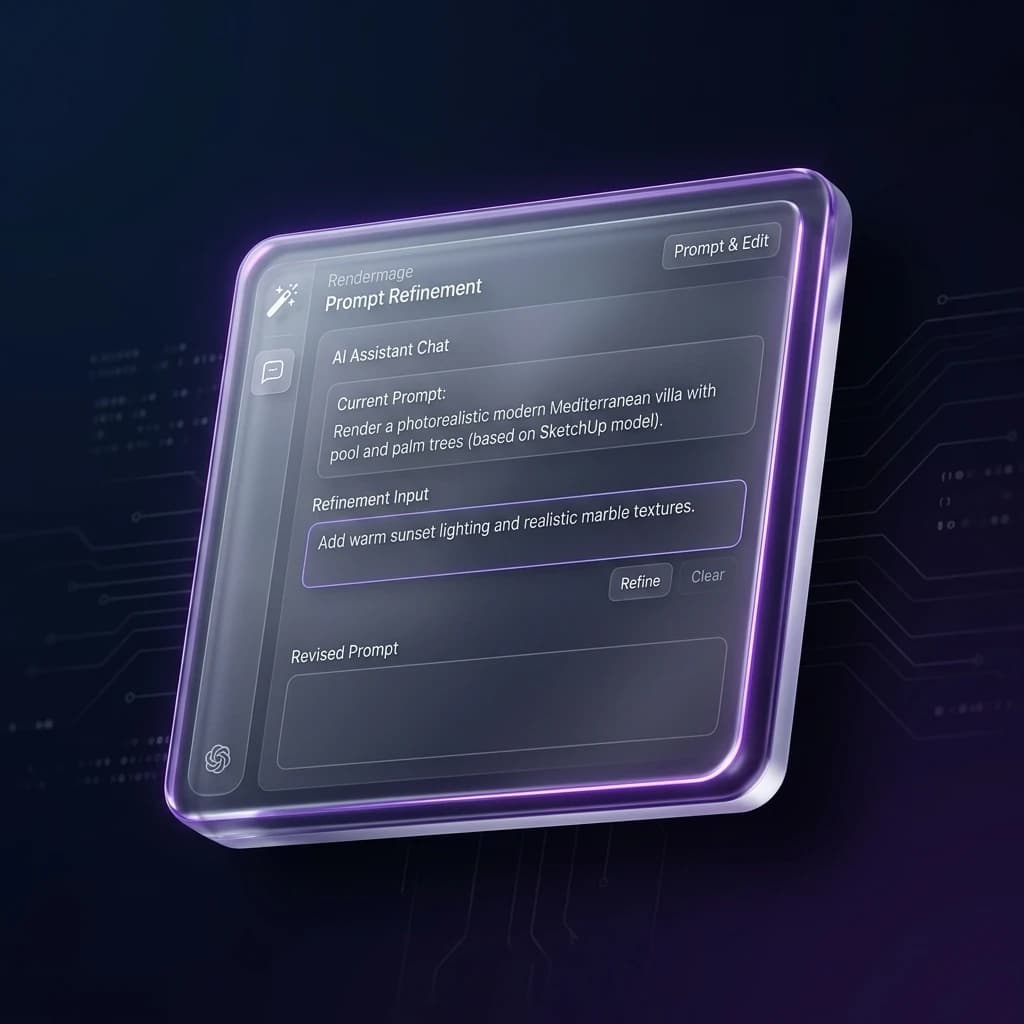
Natural Language Refinement
Describe what you want to change — materials, lighting, mood, objects — and AI updates the visual without rebuilding from scratch. Inpainting lets you edit specific areas.
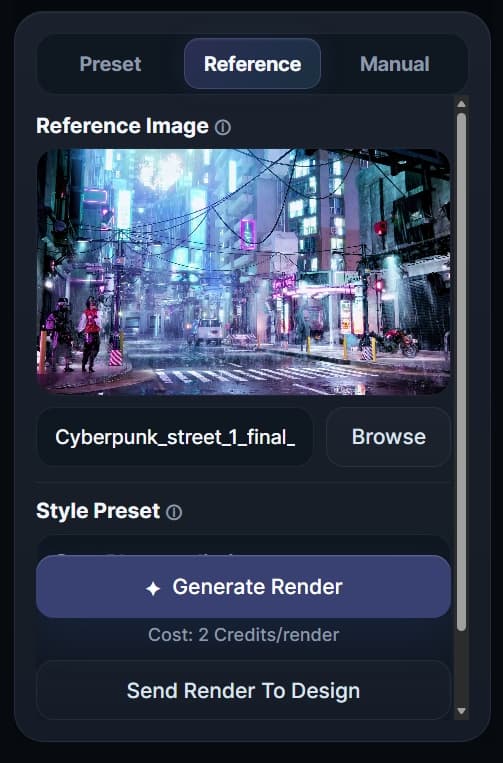
Generate from Reference
Upload an inspiration image — a wood tone, concrete finish, fabric texture — and guide the material language of your render directly from that reference.
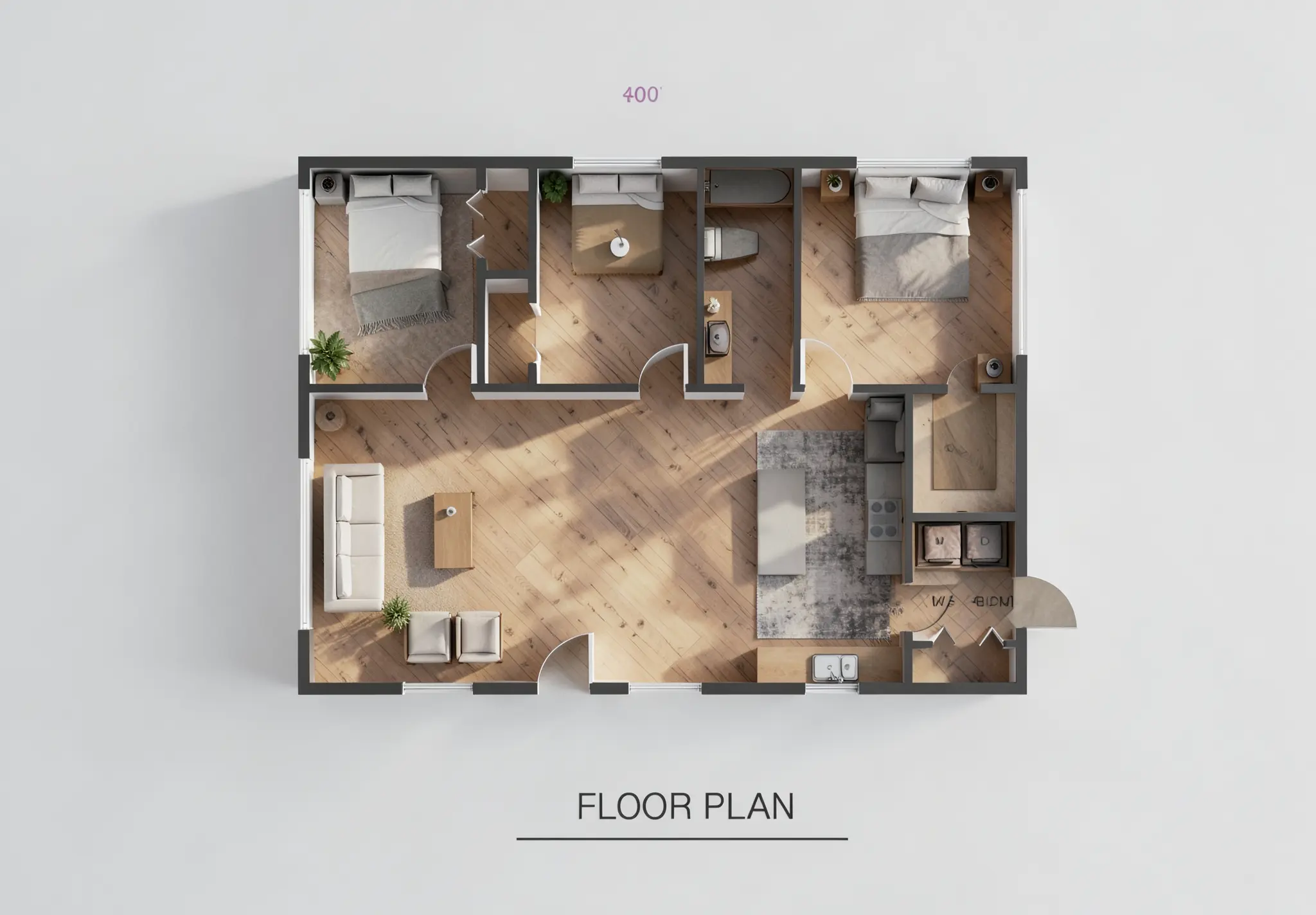
Floor Plan → 3D
Upload a floor plan image. RenderMage auto-generates the 3D wall layout. Drop in furniture, apply materials, and render the space — all in the browser.
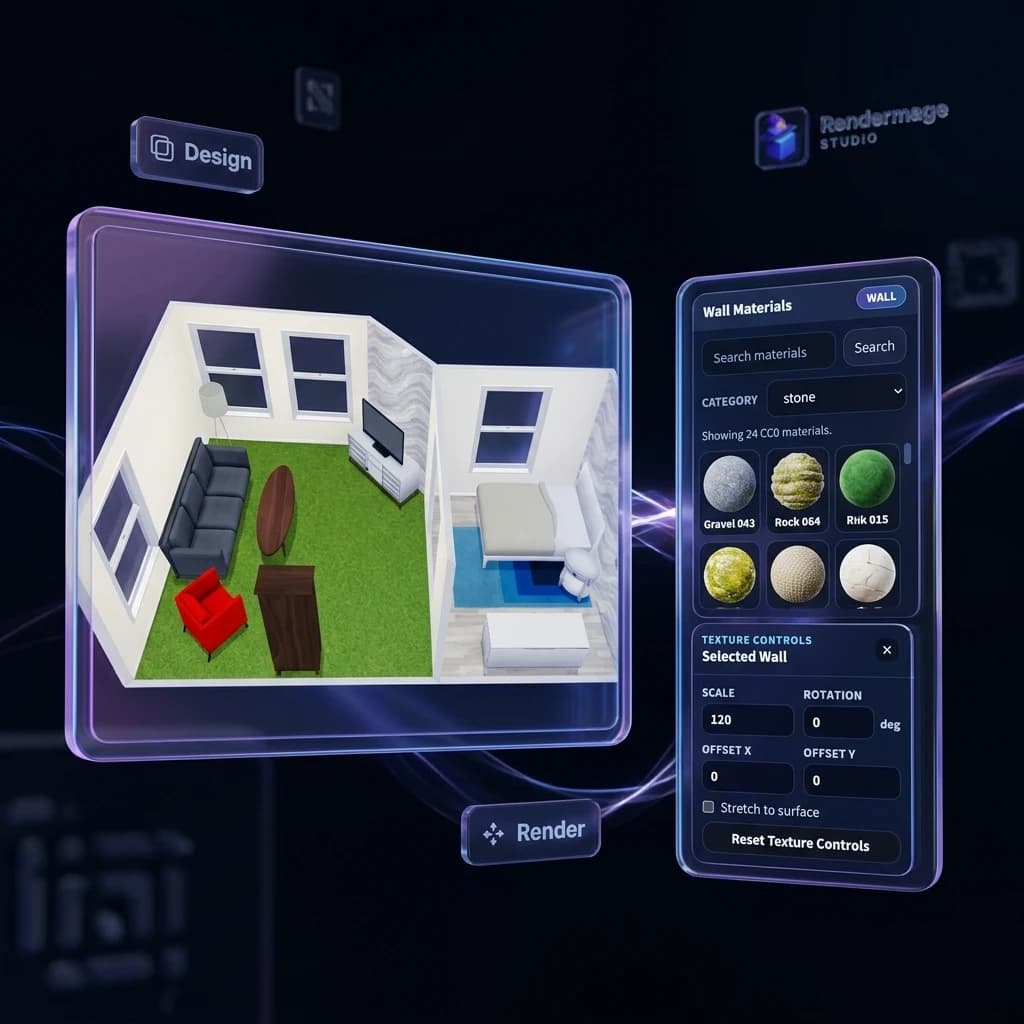
Interior 3D Designer
Place furniture, test materials, adjust atmospheres, and generate interior concept visuals — a web-based room design workflow without a desktop 3D app.
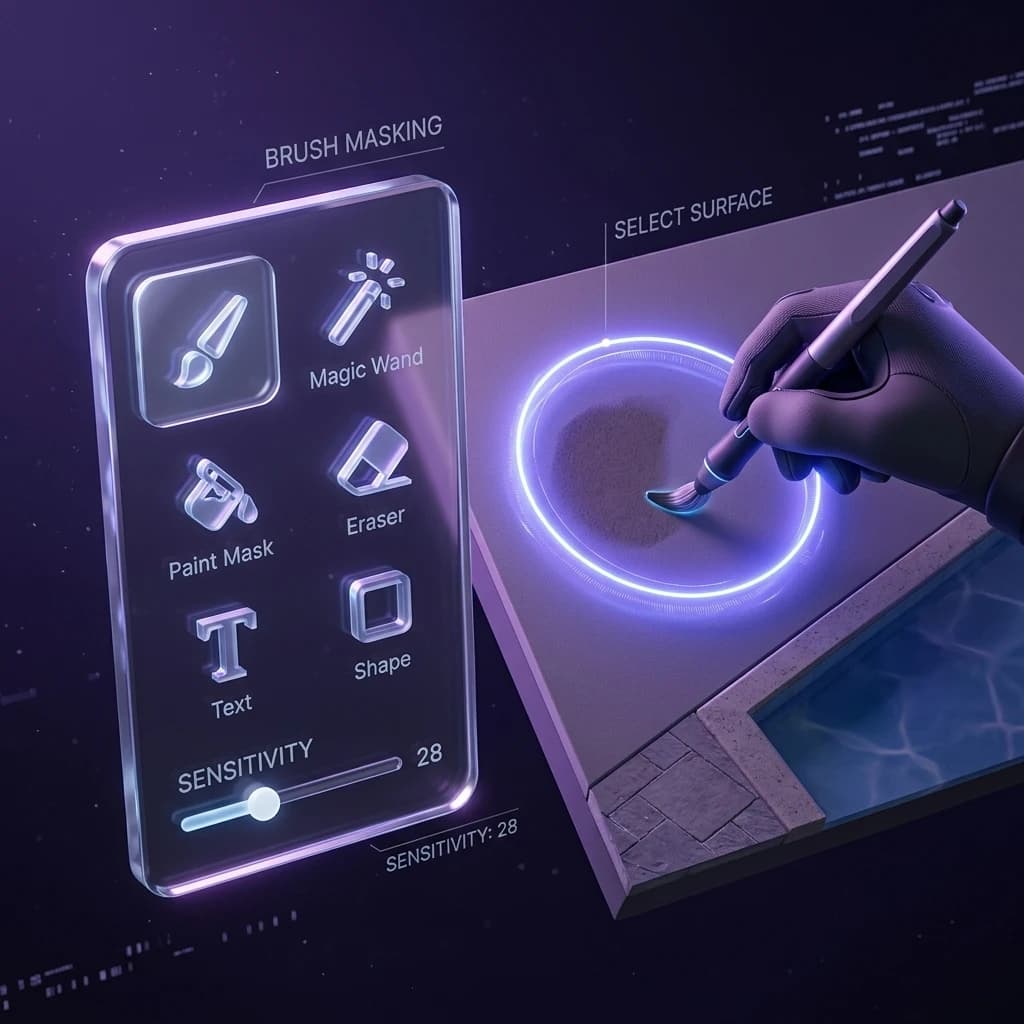
Design & Annotation Tools
Sketch, annotate, recolor surfaces, and mask areas directly in the browser. Prepare inputs, mark up outputs, and keep every design decision in one place.
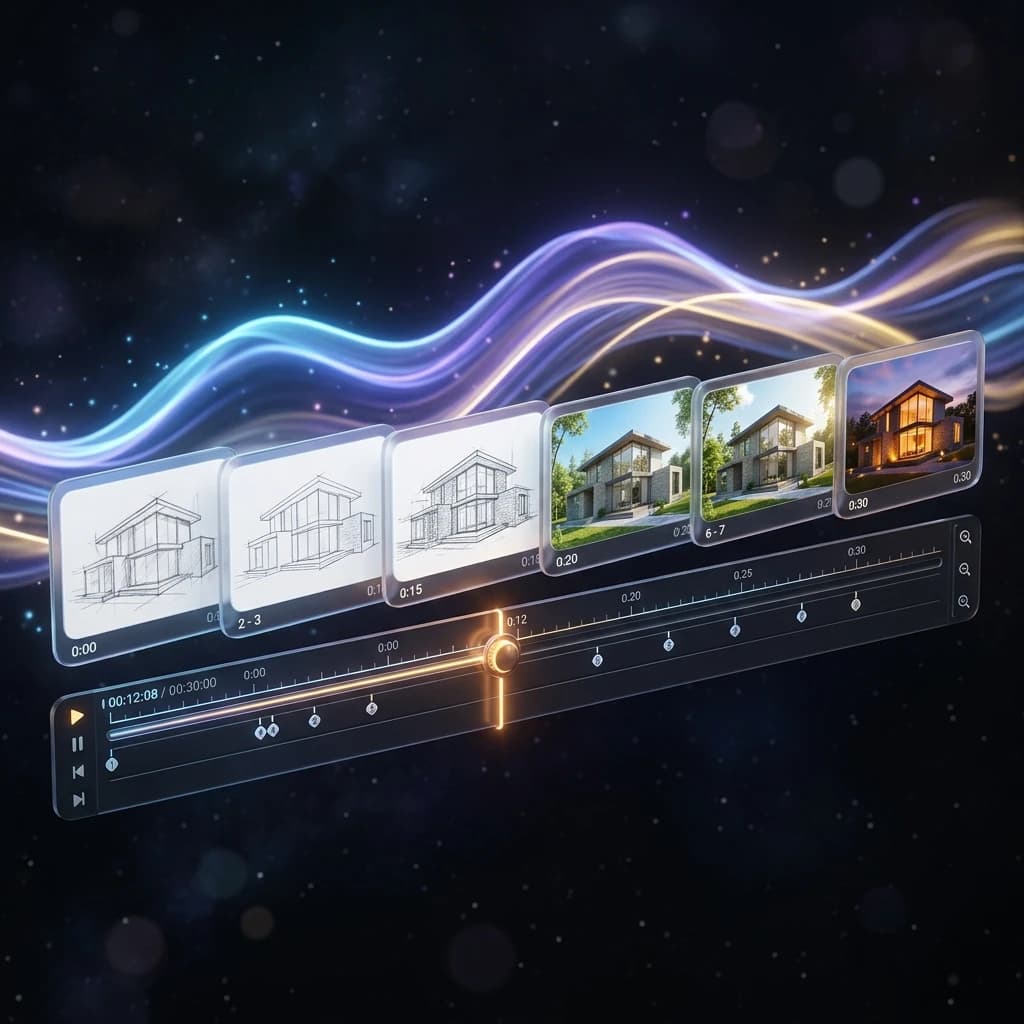
Generate Videos upto 4K
Seamlessly transform your render to high-quality animations. Native 720p and 1080p Archviz Videos, cheapest in the market. Use our Free Upscaler to Enhance upto High Quality 4K.
01
Capture from your modeling tool
Use RM_Sync to send your active viewport from SketchUp, Blender, or Archicad straight into RenderMage Studio.
02
Generate and guide the scene
Render from viewport captures, hand sketches, floor plans, or inspiration images with built-in styles and presets.
03
Refine, annotate, and present
Describe changes in plain English, edit specific regions, test materials, and keep every visual decision in one browser workspace.
From concept to client, faster
Explore design directions while ideas are still flexible. Generate client-friendly visuals mid-meeting. Reduce the gap between model and presentation.
Test materials from real references
Upload an inspiration image and render a room with that exact material language — no manual shader setup, no sample boards, no waiting. Use the Free Interior3d Workflow to drag and drop.
Portfolio-grade visuals without the overhead
No expensive GPU. No V-Ray license. No render farm. Get polished 2K visualizations from your existing models, free to start.
More output, fewer resources
Speed up early-stage visualization, generate more client options per project, and keep the heavy render pipeline for final delivery only.
See the workflow inside your own browser session.
Click Send View to RenderMage in your modeling app and keep the iteration loop moving in Studio.